Play mobile games on the big screen
Cast your screen with imperceptible latency and play side by side with your friends.
Multi-Screen Casting
No console, no cloud, no setup. Latency is just 16ms, so your gameplay feels instant.
Download the mobile or tablet app


Cast to TV






Cast to Desktop



Why Players Use GCast
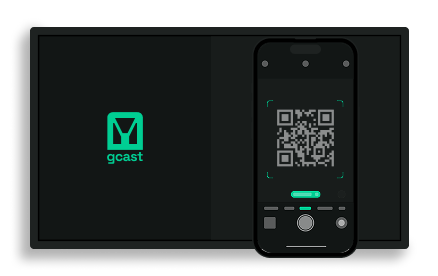
1 tap casting
Stream any mobile game to a bigger screen, instantly. Works out of the box — no extra hardware.
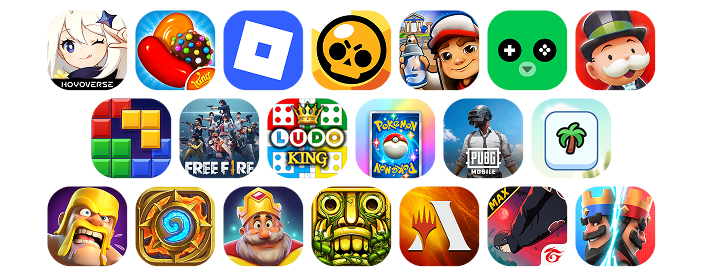
Works With Any Game
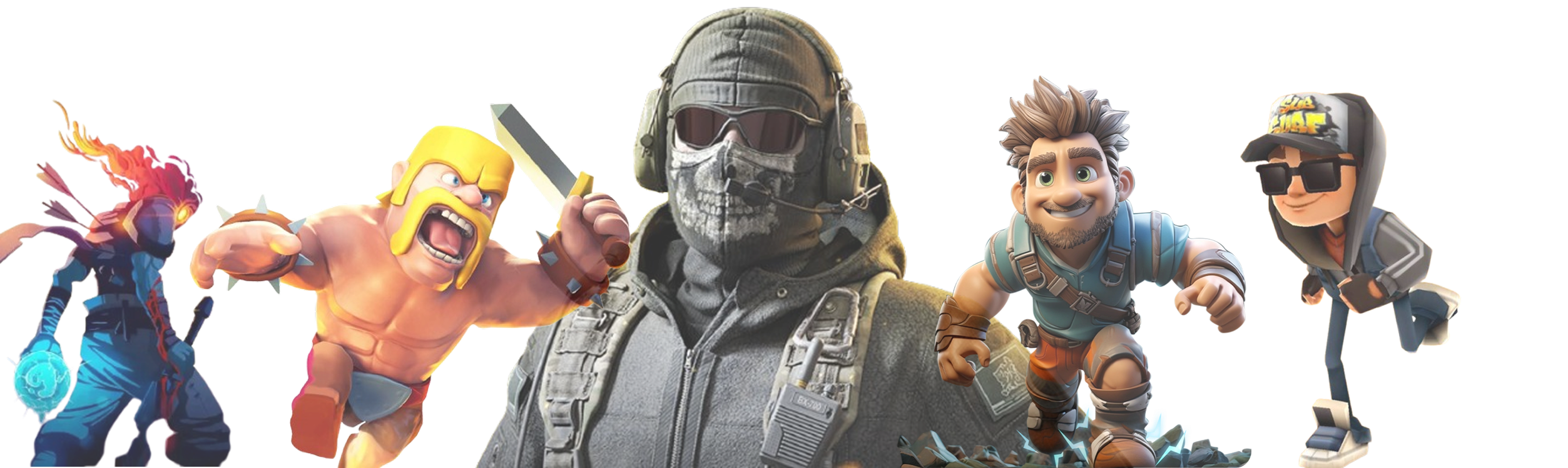
Roblox, Subway Surfer, Brawl Stars — if it runs on your phone, it runs with GCast.
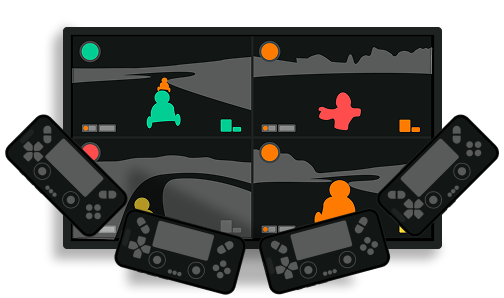
Couch multiplayer
Turn solo mobile titles into group TV experiences. Everyone can join with their own phone.
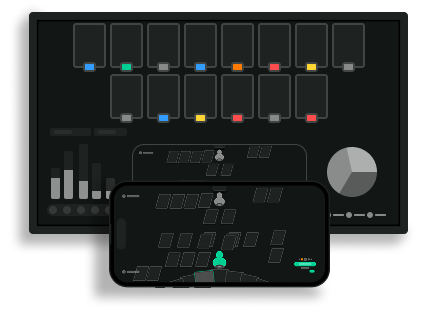
Companion Screens
Use a second device (tablet or phone) as a dedicated side-screen for maps, stats, or team dashboards.
Player Stories
"We stopped fighting over the console. Now everyone just casts their favorite mobile games to the TV and it works instantly."— Alex, 21
"Friday game nights are back. We cast Roblox on the TV and use our phones as controllers. It feels like we have a console, without buying one."— Jonas, 24
"Normally I play Candy Crush on the train. Casting it on the TV with my kids cheering me on made it hilarious."— Lisa, 32
F.A.Q.
Install the app, tap cast, and your game appears on any screen. Your phone becomes the controller, and you can add overlays or AI companions.
No. GCast uses your phone to run the game locally. That's why latency is ultra-low and costs stay minimal.
No. Just your phone, WiFi, and a screen (TV, laptop, tablet).
Yes. If it runs on your phone, it casts.
Casting is 100% free while in beta. After beta, basic casting will remain free and unlimited access will be part of a paid plan.
All gameplay data stays on your device; we don't sell or share it.
Want the full picture? Learn what GCast is →
Experience gaming beyond the small screen.
Download the app, cast your favorite game, and try the AI companion today.